Static: a fixed link or payload
- No account required
- Free PNG and SVG downloads
- The printed content stays fixed, without scan tracking
Download a free static code. Create a dynamic code to edit its destination after printing and track scans.
Static downloads need no account. Dynamic codes need a free account. See plans and pricing.
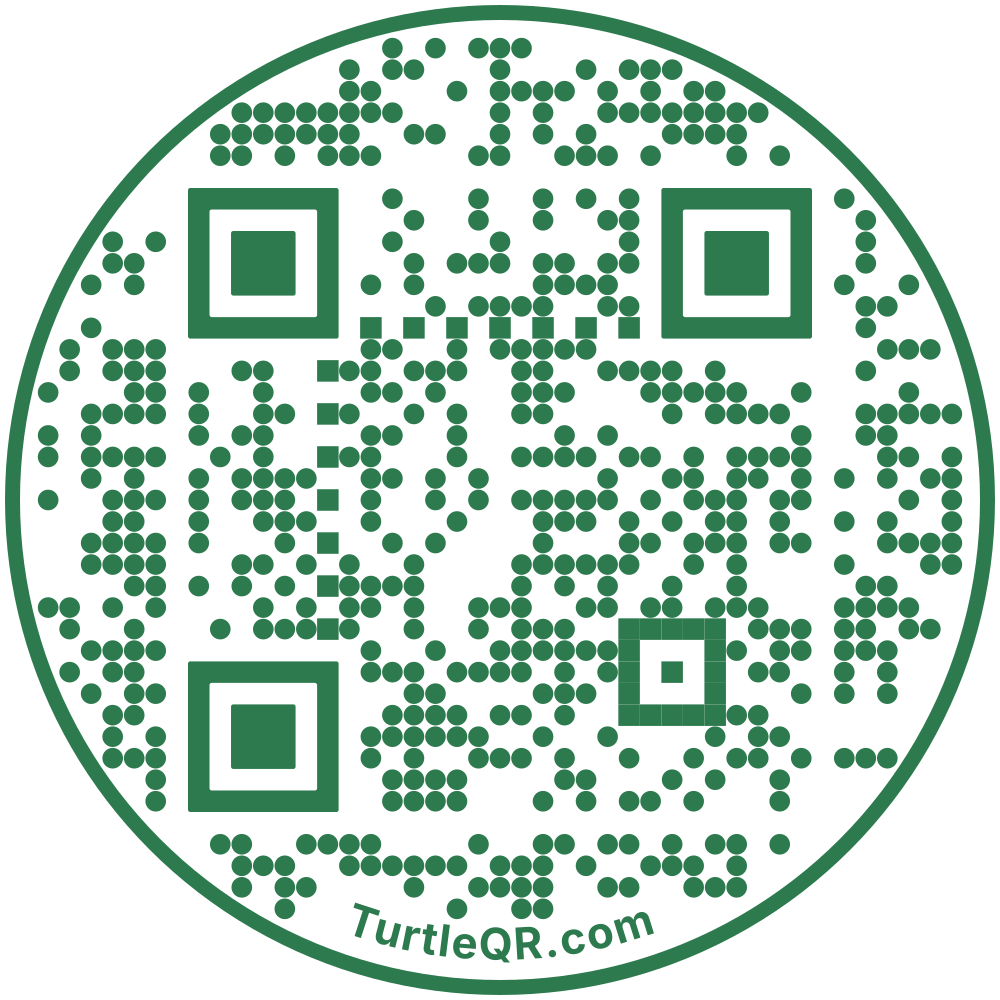
Saving a static website code to an account creates a new dynamic code. Download the new code before printing. An earlier static download does not become editable.
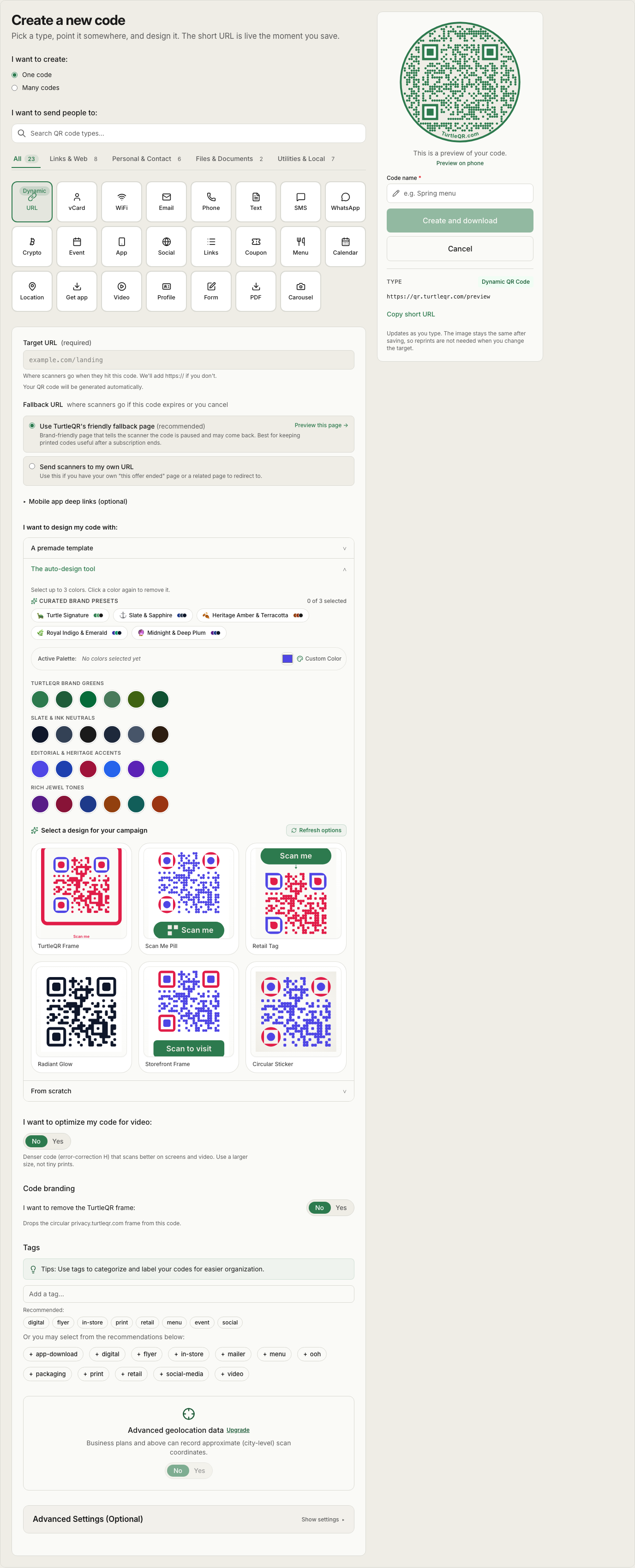
Actual code creator, shown with a sample preview.
Open full-size view.Cancel a paid plan and your existing dynamic codes keep their destinations. Your account moves to Free, with its limits on new codes and features.
Read the longevity guaranteeExpired, capped or inactive codes use your chosen fallback. Without one, they show a TurtleQR status page. Cancellation alone does not trigger this.
How cancellation worksUse the dashboard, REST API or MCP. Connect a compatible assistant to create URL redirects, change destinations and read scan activity. Available MCP actions depend on its supported tools and your account permissions.
Reserve a QR name like qr.turtleqr.com/yourname. We hold it for 7 days while you sign up and verify your email.
You can edit a dynamic code’s destination in your account. A static code stores its content directly, so its printed pattern cannot be changed or converted into a dynamic code.
Download the final code and scan it on a phone at its intended printed size. Dense circular artwork has reduced scan margin. Test an actual-size proof before printing a full run.
The free tier includes dynamic codes. Compare limits and features on the pricing page. See plans and pricing.